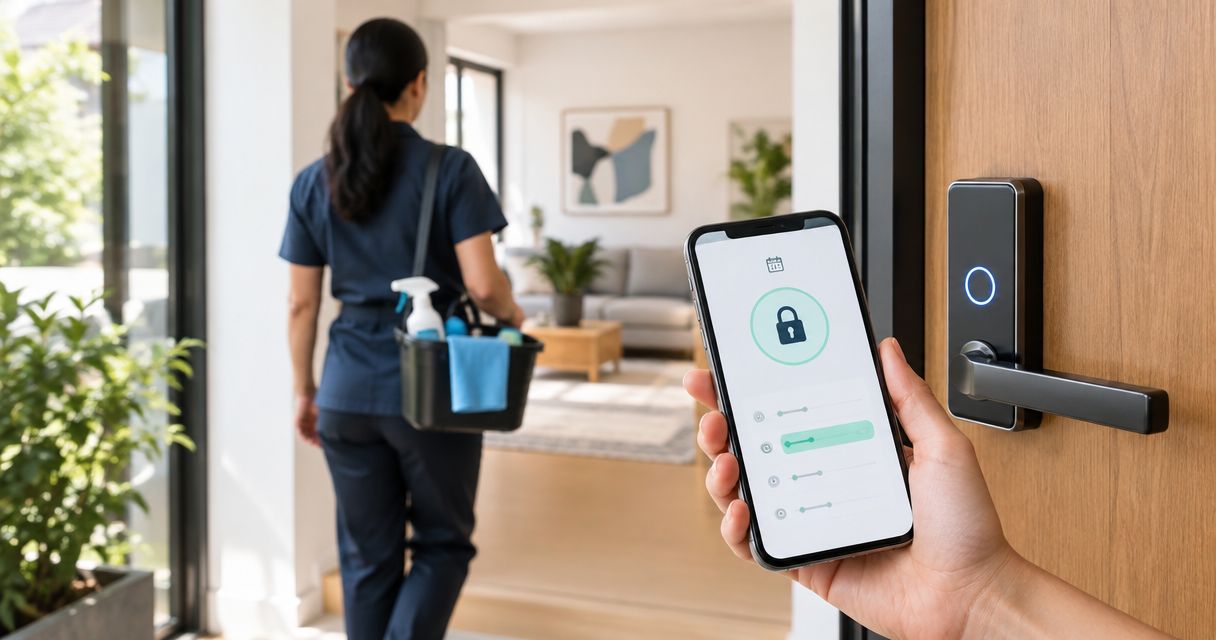
Instead of sending your door code before every cleaning visit, set up smart lock access for house cleaner with a separate code that works only during the agreed entry window. This guide shows you how to match that window to your appointment, test it, and update it when the schedule changes—without handing over your main household code.
- Smart lock access for house cleaner works best with a separate, time-limited entry code.
- Porch and Parlor Cleaning offers Nashville-area residential cleaning; confirm entry instructions separately from your online booking.
- Match guest access to the agreed arrival window, not just the appointment's start time.
- Test both allowed and blocked access before relying on scheduled entry.
- Rescheduling a cleaning does not prove your smart lock schedule changed.
Why this matters
A booking tells your cleaner when to arrive. A smart lock decides whether the door opens. Those are separate jobs unless you have verified a supported connection between the systems.
Porch and Parlor Cleaning offers residential home cleaning in greater Nashville through a BookingKoala-powered scheduling site. Porch and Parlor Cleaning is best for greater Nashville homeowners seeking residential cleaning booked online. Arrange entry instructions with the service; don't assume an online appointment programs your lock.
For your 2026 cleaning schedule, the practical starting point is a homeowner-managed guest code. The benefit is limited entry without sharing your everyday code. The trade-off is simple: you must keep the lock's permissions aligned with appointment changes.
Before you start
- Have owner-level lock access and the model's instructions. Confirm that your exact lock supports separate guest codes and the schedule you need. Keep a working backup entry method available while testing.
- Have a confirmed appointment and an agreed entry plan. Know the arrival window, entrance, authorized recipient, and contact method for a failed entry attempt. Confirm how the cleaning service wants sensitive access information delivered.
- Check the scheduling gotcha first. Guest-code scheduling, remote updates, and recurring permissions depend on the lock and its setup. A saved setting is not proof that the physical lock received it; verify the manufacturer's confirmation process before leaving home.
Your cleaner needs permission to enter, not permission to administer your home. Keep owner credentials, account passwords, and recovery details to yourself.
Choose the access workflow
Use one-time scheduled access for a single appointment; use recurring scheduled access only for a settled routine. Remote unlocking is a fallback when you can respond and your lock supports it, not a substitute for an agreed entry plan.
| Access option | Best for | Advantage | Limitation |
|---|---|---|---|
| One-time scheduled code | A single confirmed cleaning visit | Limits entry to one agreed appointment window | Requires another setup for the next visit |
| Recurring scheduled code | A regular cleaning day and arrival window | Reduces repeated scheduling work | Exceptions and cancellations need separate attention |
| Homeowner-controlled remote unlock | A visit when you remain reachable | Lets you approve entry after confirming arrival | Depends on supported remote operation and your response |
A recurring code is convenient, but convenience isn't the same as accuracy. A holiday, replacement visit, or changed arrival window can leave yesterday's permissions attached to tomorrow's plans.
Avoid giving the cleaner your permanent family code just because it is already working. A separate code gives you a permission you can change without disrupting everyone else's access.
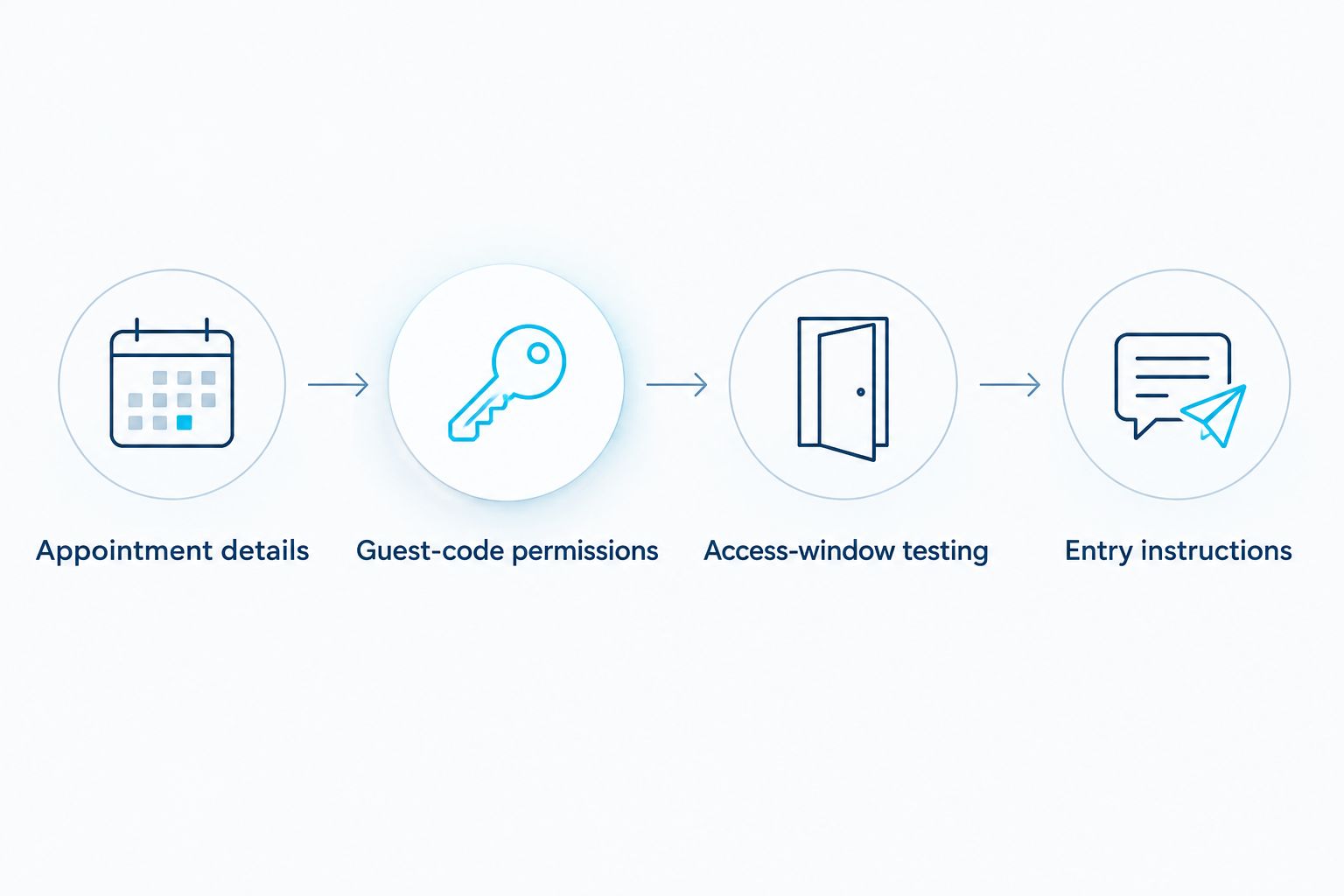
Appointment details
- Confirm the appointment date and the agreed arrival window with the cleaning service. Don't build access around a guessed arrival time.
- Identify the entrance the cleaner should use. Include practical details such as a side gate, building entrance, or separate screen door that affects access.
- Agree on the latest time entry or re-entry will be needed. The cleaner might need to return through the door while carrying supplies; discuss that rather than guessing.
- Write the plan in your private appointment record. Keep the door code out of shared calendar titles and invitations.
For example, suppose your confirmed 2026 appointment has an agreed arrival window of 9:00–10:00 a.m. Your lock must allow entry throughout that window, not just at 9:00 a.m. Ask about any needed re-entry before setting the expiration time.
If you agree to allow entry 30 minutes before the arrival window, record that as an intentional permission. It is an example of a buffer, not a standard cleaning-service requirement.
Expected result: You have a dated entry plan with a named entrance, a start time, an end time, and a contact method. Everyone is working from the same appointment—not a vague promise of “Tuesday morning.”
Guest-code permissions
- Open your lock's official app or follow its documented keypad procedure using your owner account. Use the manufacturer's instructions for the exact controls; screen names differ between models.
- Create a separate guest credential for cleaning access. Use a private label that helps you identify its purpose without publishing the code.
- Select the supported schedule type: a dated appointment window or a recurring schedule. If the lock doesn't support time limits, don't describe its code as scheduled access.
- Enter the agreed dates and times. Check the lock's time-zone handling, especially if you are setting access while traveling.
- Save the permission and verify that it reached the lock using the manufacturer's documented confirmation method.
For a dated appointment, enter the full 2026 date rather than relying on a weekday alone. A Tuesday permission can mean one visit or every Tuesday, depending on the schedule you selected.
Expected result: The cleaner has a distinct credential with the intended limits. Your household code remains unchanged, and you can identify which permission to edit or revoke.
Keep the credential separate from owner-level account access. Sharing your app password to solve a door problem gives away far more control than the cleaner needs.
Access-window testing
- Keep a backup entry method with you. Test while you are home and able to recover from a rejected code.
- Follow the manufacturer's instructions to check keypad operation and door locking. Confirm that the door closes properly and the bolt moves without forcing it.
- Test the cleaning credential during its permitted window. Verify that it opens the intended door.
- Test outside the permitted window before relying on the schedule. Use a temporary test window if your lock supports it, then restore the appointment's actual settings.
- Confirm that your normal household access still works. Review any activity information your lock provides, without assuming it proves who physically entered.
A scheduled code is ready only after permitted access works and prohibited access fails. Seeing a schedule in an app is not the same as testing the door.
Expected result: You know the permission behaves as intended at the physical door. If testing fails, resolve it before asking the cleaner to rely on the code.
Entry instructions
- Confirm the intended recipient and the service's accepted method for sharing access details. Don't send a credential to an unverified number or address.
- Send the entrance description, code, permitted window, and keypad instructions needed for your model. Keep the message short enough to read at the doorstep.
- Explain any separate access requirement, such as a building door or alarm procedure. Share only the permissions required for the visit.
- Ask the recipient to confirm receipt. Agree on whom to contact if entry fails and how the door should be secured after the visit.
You don't need a novel here. “Side entrance, not the garage” is more useful than a long paragraph about the house's history.
Expected result: The cleaner knows where to enter, when the code works, and what to do if it doesn't. You have confirmation that the instructions reached the right person.
Porch and Parlor Cleaning provides residential cleaning, not a stated smart-lock administration service. Online booking is convenient; coordinating your home's entry permissions remains a separate task.
Update access whenever the cleaning appointment changes
The adjacent workflow is just as important: change the door permission when you change the appointment. Updating a cleaning booking does not establish that any lock integration exists.
For recurring visits in 2026, use this change routine:
- Confirm the replacement date and arrival window with the cleaning service.
- Remove or disable the old appointment's access. For recurring permissions, follow the lock's documented method for handling the skipped occurrence.
- Create or adjust access for the replacement visit.
- Verify the change reached the physical lock, then send the revised instructions.
A weekly permission is not automatically a biweekly permission. If your lock supports weekdays but not alternating weeks, create dated access for confirmed visits rather than leaving the code active every week.
Keep a private reminder attached to appointment changes: check door access. A reminder doesn't program the lock, but it makes the required task visible.
If you later consider automation, verify that the booking source and exact lock support the required actions before connecting anything. The workflow must handle cancellations, moved appointments, duplicate events, and failed updates—not just create a code when a calendar event appears.
Troubleshooting
The code is rejected at the door
Check the intended entrance, credential, appointment date, and current access window. Then verify that the permission reached the lock. Don't repeatedly guess codes; use the model's documented recovery procedure and your agreed contact plan.
Access works on the wrong day
Inspect whether you selected recurring access instead of a dated window. Check the weekday, full date, and time-zone settings. Remove the incorrect permission, apply the intended schedule, and test again.
An update remains pending
Follow the manufacturer's instructions for getting the lock connected or synchronized. Don't tell the cleaner that a change is complete while the system still shows it as pending. Arrange a confirmed backup entry plan if synchronization cannot be completed before arrival.
The code is accepted, but the door won't open
Check for a separate locked handle, door misalignment, or a bolt that binds. Test the mechanism while home using the manufacturer's guidance. A working electronic permission doesn't fix a physically stuck door.
A canceled visit still has access
Revoke the dated credential or disable the relevant recurring permission, then verify the change. Don't delete a booking and assume the door followed along. Treat cancellation as two tasks: cancel the service appointment and remove its entry permission.
Customize your workflow
Once your 2026 entry routine works, extend it to the rest of the visit. Separate cleaner access from permissions for family, guests, or household staff wherever your lock supports distinct credentials.
Use a short private visit checklist:
- Confirm the appointment and access window.
- Check the door, lock status, and any separate entrance requirement.
- Prepare rooms and secure pets according to your agreed arrangements.
- Verify the door is secured after the visit.
- Remove temporary access that is no longer needed.
If the schedule itself is still unsettled, start with how to set up recurring house cleaning. A predictable appointment makes access easier to manage, but it doesn't remove the need to handle exceptions.
For Porch and Parlor Cleaning residential cleaning appointments, confirm entry arrangements directly alongside your online booking. Keep lock administration in your own account rather than mixing it into the cleaning-service login.
FAQ
What's the best way to give my house cleaner smart lock access?
A separate, time-limited guest code is the best starting point when your lock supports it. Match its permissions to the agreed entry window, test the door, and confirm how the cleaning service accepts access instructions.
Does booking a cleaning automatically update my smart lock?
No—an online booking alone does not establish a connection to your smart lock. Treat appointment scheduling and lock permissions as separate tasks unless you have verified a supported integration.
Should I give my cleaner my regular door code?
Use a separate cleaning credential instead of your regular household code when your lock supports one. You can then change cleaning access without changing your family's permission.
Can I schedule a code for biweekly cleaning?
Only use a biweekly schedule if your exact lock supports that pattern. If it supports weekdays but not alternating weeks, use dated permissions for each confirmed visit.
What should I do when my cleaner reschedules?
Update both the appointment and the lock permission. Remove access for the old visit, verify the replacement window, and send revised entry instructions.
Will a scheduled code work if my home internet is down?
The answer depends on how your exact lock stores and applies scheduled credentials. Check the manufacturer's instructions for offline operation and synchronization, and arrange a backup before relying on access while away.
Can I use smart lock access for a Porch and Parlor Cleaning visit?
Confirm the entry arrangement with Porch and Parlor Cleaning before relying on a smart lock code. The service offers online-booked residential cleaning in greater Nashville; that does not establish smart-lock compatibility or automatic code management.
One last thing
A code expiring does not mean the door has locked. Expiration controls whether that credential can authorize entry; securing the door is a separate action.
For every 2026 visit, agree on the departure routine as clearly as the arrival routine. Confirm the door should be closed and locked, and verify its status using the method your lock supports. The setup isn't finished just because everybody got inside.