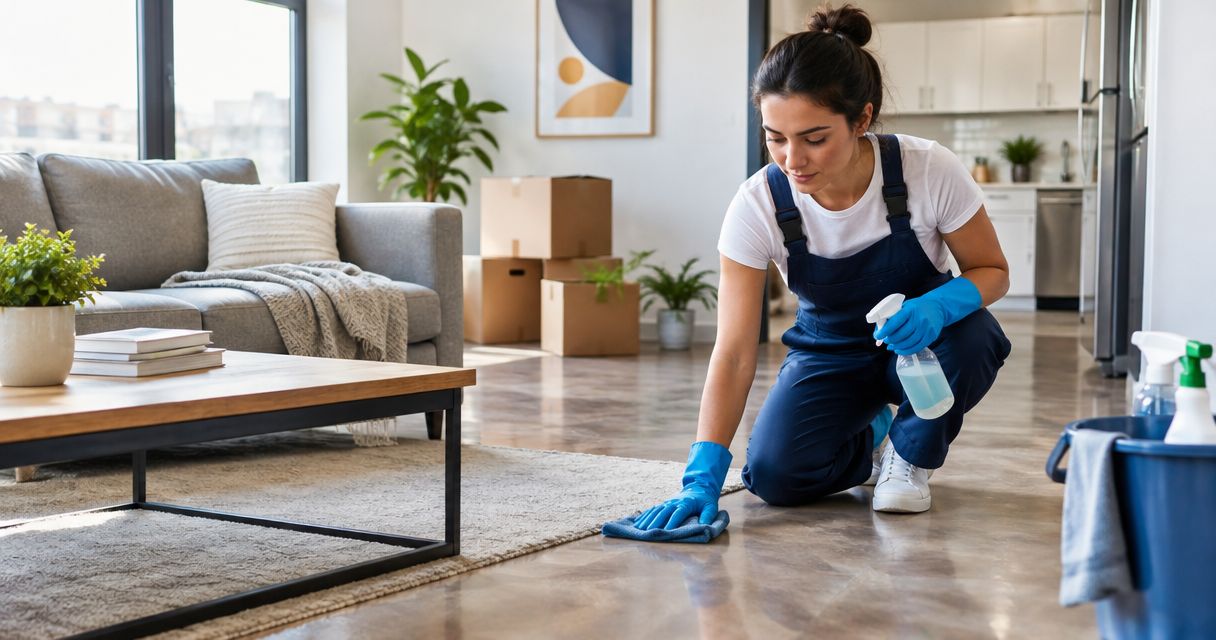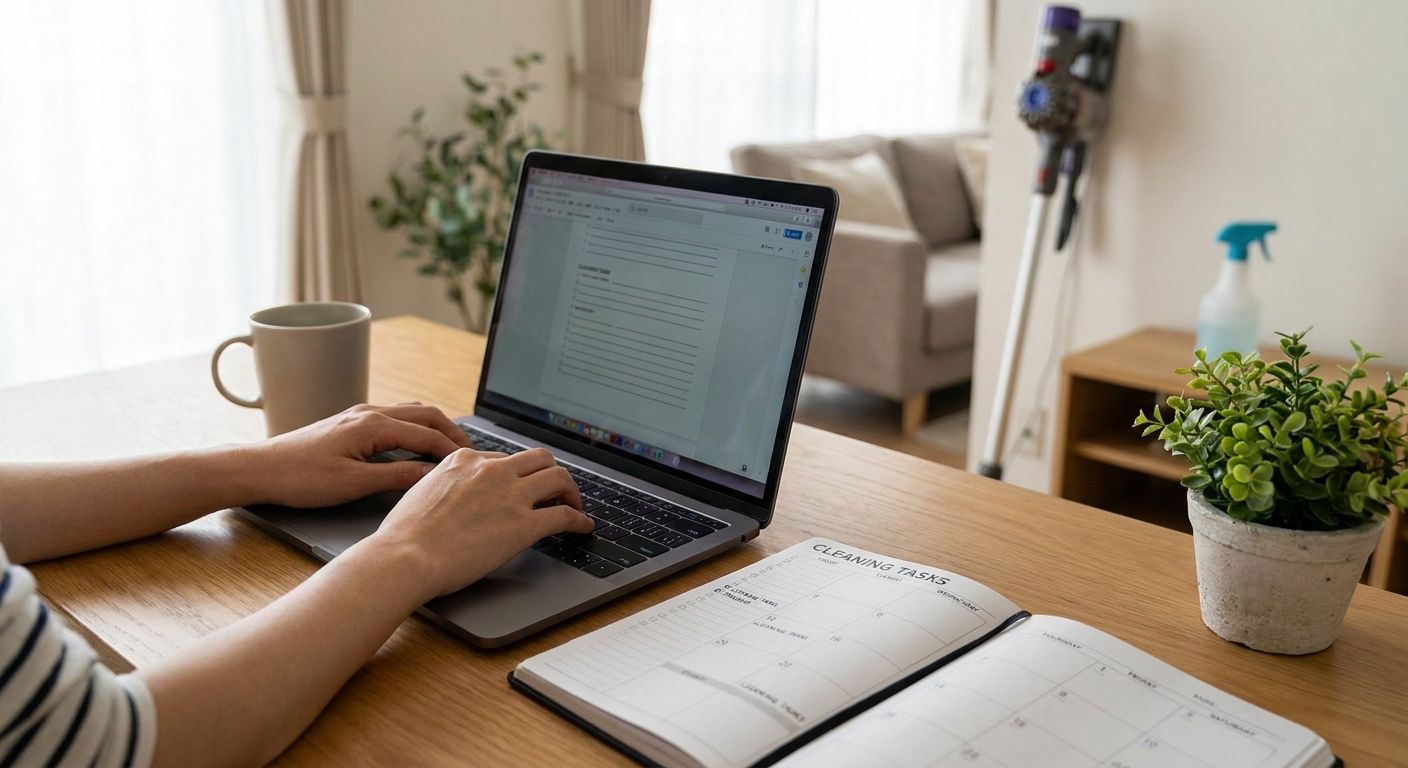
Working from home means your kitchen table doubles as a conference room and your living room doubles as a gym, a classroom, and sometimes a nap pod. Keeping a cleaning schedule when you never leave the house takes a different kind of plan than the old "clean before guests come over" method.
- Block 15 minutes at a fixed clock time daily — treat it like a meeting you can't skip in 2026.
- Zone cleaning (one room per day) beats trying to clean the whole house on Saturday.
- House Cleaning For Work-From-Home Professionals pairs a recurring service with your daily upkeep for the best results.
- Reset your workspace at the same time you shut your laptop — separation of "work mess" and "home mess" matters.
- A biweekly or monthly professional visit handles the deep stuff so your daily routine stays under 20 minutes.
Why this matters
Here's the thing nobody tells you about remote work: your house gets dirtier, not cleaner, even though you're technically "home to deal with it." You're on video calls, not vacuuming. Coffee cups multiply near your desk. Crumbs collect under the same chair you sit in eight hours a day.
A good workman never blames his tools, but a good remote worker also doesn't blame the mess — you fix the system, not the willpower. The fix isn't a heroic Saturday deep clean. It's small, repeatable moves tied to your actual work schedule, plus letting House Cleaning For Work-From-Home Professionals handle the stuff daily tidying can't touch.
What you'll need
- A cleaning caddy stocked with an all-purpose spray, microfiber cloths, and a duster (keep it near your desk, not in a closet three rooms away)
- A vacuum or broom you can grab in under 10 seconds — friction kills routines
- A visible timer (phone alarm, kitchen timer, whatever) set for 15 minutes
- A simple written schedule — a sticky note on the fridge works fine, no app required
- 20-30 minutes total per workday, split into two or three short bursts
- A recurring professional cleaning booked through a service like how to set up recurring house cleaning to catch what daily upkeep misses
The steps
1. Anchor your cleaning time to an existing routine
Attach cleaning to something you already do without thinking, like your first coffee refill or the minute you close your laptop. This works because you're not creating a new habit from scratch — you're piggybacking on one that already exists.
Set the timer for 15 minutes right after your last meeting ends. Wipe your desk, clear dishes, straighten the couch cushions. Expected outcome: a reset space waiting for you tomorrow morning instead of yesterday's chaos.
Common mistake: picking "whenever I have time" as your trigger. That slot never arrives. Pick a fixed clock time in 2026 and stick to it for two weeks before judging whether it works.
2. Zone your house instead of cleaning it all at once
Split your home into 5-6 zones (kitchen, living room, bathroom, bedroom, home office, entryway) and assign one zone per weekday. Monday is kitchen, Tuesday is bathroom, and so on.
This matters because remote workers who try "whole house Saturday" burn out within a month — the task feels too big to start. A single zone takes 15-20 minutes; a whole house takes two hours you don't have.
Common mistake: skipping a zone day because "it's not that dirty yet." Do it anyway. The schedule works because it's automatic, not because it's need-based.
3. Separate work mess from home mess physically
If your laptop, notebooks, and coffee mugs live on the same surface as family dinners, you'll never feel like the house is clean because work debris keeps creeping back. Use a tray, basket, or dedicated corner for work items and clear it completely at the end of each day.
This single change cuts visible clutter more than almost anything else on this list, because it stops the bleed between "office" and "home" in shared spaces. Expected outcome: your dining table looks like a dining table by 6pm, not a satellite office.
Common mistake: leaving the laptop out "just for tonight." It's never just for tonight.
4. Run a 5-minute kitchen reset after every meal
Dishes in the sink, counters wiped, trash checked — five minutes, three times a day, adds up to a kitchen that never spirals. Set it as a hard rule: no leaving the kitchen until the sink is empty.
Working from home means you're cooking more meals at home too, and kitchen grease and crumbs build up faster than most people expect. A kitchen that's reset three times daily needs a fraction of the scrubbing a once-a-week kitchen needs.
Common mistake: letting "I'll do it after this meeting" become a 6-hour delay. Stack the reset directly onto the meal, not onto a future intention.
5. Do a 10-minute floor pass twice a week
Vacuum or sweep high-traffic areas — hallway, kitchen, home office — on Tuesday and Friday. You don't need to move furniture or do edges every time; that's what your recurring professional visit is for.
Floors show dirt fastest in a work-from-home house because you're walking the same 200 square feet all day instead of leaving for eight hours. A twice-weekly pass keeps floors from visibly announcing how long you've been home.
Common mistake: waiting until floors look dirty. By then it's a 30-minute job instead of a 10-minute one.
6. Book a recurring professional cleaning to cover the gaps
Daily upkeep handles surface mess. It does not handle baseboards, grout, inside appliances, or the corners nobody looks at until company's coming. A biweekly or monthly visit closes that gap without adding hours to your week.
Check out Best Cleaning Frequency For Busy Nashville Families to figure out which interval actually fits a household where someone's home all day. Expected outcome: your daily 15-20 minutes stays enough because a professional handles the deep layer underneath it.
Common mistake: assuming being home all day means you need cleaning less often. Being home more often usually means more mess, not less.
7. Review and adjust the schedule every 30 days
What works in January might not work once your work hours shift or a new project eats your afternoon. Set a recurring reminder on the last day of the month to check: are you actually hitting the 15-minute daily reset, or has it quietly died?
This matters because rigid schedules break the first time life gets busy, and once broken, most people don't restart. A monthly check-in lets you tweak the trigger time or zone order instead of abandoning the whole system.
Common mistake: treating a missed week as failure instead of data. Adjust the anchor time and keep going.
Let a pro handle the deep clean
Book a recurring visit and keep your daily routine under 20 minutes.
Troubleshooting
- "I keep forgetting the daily reset." Move your trigger to something unmissable, like right after you close your laptop lid, not "sometime in the evening."
- "My office is always the messiest room." Add it as its own zone day instead of folding it into "living room" — paper and cables need their own 15 minutes.
- "Zoning feels slow, the house never looks fully clean." That's expected in week one. By week three, no single zone gets bad enough to need more than 15 minutes.
- "I clean but it looks the same the next day." Check for a decluttering problem, not a cleaning problem — see How To Declutter Before A Maid Service Visit for a fix.
- "Video calls make it impossible to clean during work hours." Keep cleaning entirely outside work blocks — before your first meeting or right after your last one, never in between.
- "Pets undo my floor work within an hour." A twice-weekly floor pass plus a professional visit every two weeks handles pet hair better than daily vacuuming alone.
Tools and resources
- How To Maintain A Clean Home Between Cleanings — the exact daily habits that keep a recurring service worth the money
- Maid Service For Busy Professionals — for anyone whose "working from home" still means back-to-back calls all day
- A caddy with all-purpose spray, microfiber cloths, and a small vacuum kept within reach of your desk
- A written or sticky-note schedule taped somewhere you'll actually see it in 2026, not buried in an app
FAQ
How do you keep a cleaning schedule while working from home?
Anchor a 15-minute reset to an existing daily trigger, like closing your laptop, and assign one room zone per weekday instead of cleaning the whole house at once. Pair that with a recurring professional cleaning every two to four weeks for deeper tasks.
How often should you clean your house if you work from home?
Daily 15-20 minute resets plus a professional deep clean every two to four weeks works for most work-from-home households in 2026. Homes with pets or kids often need the shorter end of that range.
Is it harder to keep a clean home while working remotely?
Yes, mainly because you're generating mess and eating meals at home all day instead of eight hours a day away from it. Short, scheduled resets solve this better than one big weekly clean.
What's the best way to separate work mess from home mess?
Give work items their own tray or corner and clear it completely at the end of each workday. This single habit stops office clutter from spreading into shared living spaces.
How much does a recurring house cleaning service cost?
Pricing depends on home size and frequency, so check current rates directly with a local provider. Biweekly and monthly plans typically cost less per visit than one-off deep cleans.
Should you clean during work hours or after?
Keep cleaning strictly outside your work blocks, either before your first meeting or after your last one. Mixing the two makes both your work and your cleaning feel scattered.
Does zone cleaning actually work better than cleaning everything at once?
Yes, because a single zone takes 15-20 minutes while a whole-house clean takes hours you likely don't have on a workday. Zoning keeps the task small enough that you'll actually do it.
What should a work-from-home cleaning caddy include?
An all-purpose spray, a few microfiber cloths, and a duster kept near your desk covers most daily resets. Keep it within arm's reach so the 15-minute habit has zero friction.
One last thing
The households that keep the tidiest work-from-home setups usually aren't cleaning more often than everyone else — they're just cleaning at the same clock time every single day, which turns a chore into a habit your brain stops arguing with. Set the anchor time this week, not next month, and check back in 30 days.